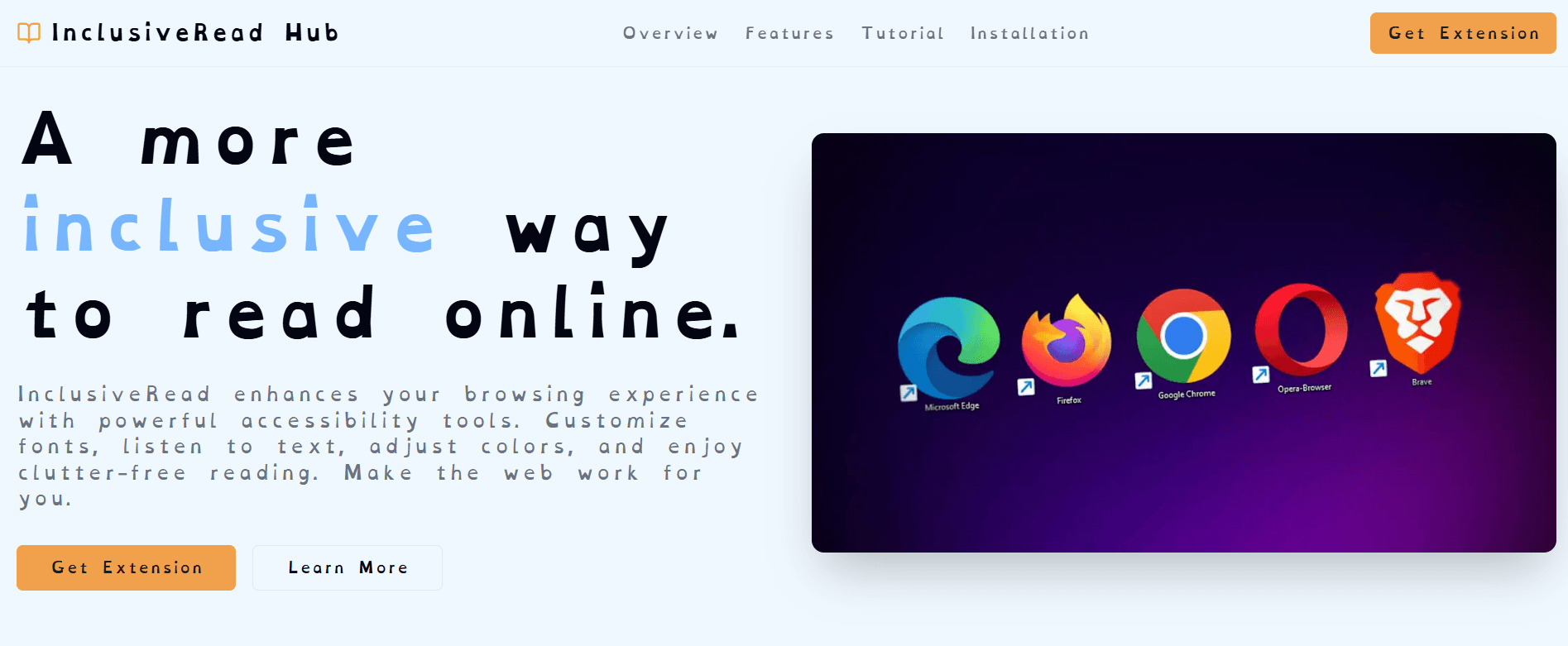
A more inclusive way to read online.
InclusiveRead enhances your browsing experience with powerful accessibility tools. Customize fonts, listen to text, adjust colors, and enjoy clutter-free reading. Make the web work for you.

Powerful Features for Everyone
Tailor your reading experience with a suite of tools designed for comfort and accessibility.
Transforms all webpage text into OpenDyslexic, an open-source typeface designed specifically to mitigate common reading errors. Unlike standard fonts (like Arial or Times New Roman), OpenDyslexic utilizes unique letter shapes with increased spacing and heavy-weighted bases
Listen to articles and web content with native text-to-speech reader. Accessing the feature is just a simple click away.

A protective layer that automatically detects and freezes fluctuating UI elements, such as flashing banners or auto-playing carousels, which can trigger sensory overload.

An on-the-fly translation feature that replaces high-friction administrative and legal terminology with actionable, plain-language equivalents or descriptive icons.

How to Use InclusiveRead
Unleash the full potential of your reading experience in a few simple steps.
Get Your Free API Key
Visit Google AI Studio in order to create a free API key . You can also visit OpenRouter to create a free API key , ensure your billing/credit limit is set to zero.

Activate the Extension
Open the extension panel, enter your API key, and activate it to unlock the features.

Enjoy Enhanced Reading
Now you can use all of the powerful features to make your online reading experience better.

Easy Installation for Chrome
Get started with InclusiveRead in just a few simple steps.

Download ZIP
Download the extension as a ZIP file.

Extract ZIP
Extract the ZIP file to a folder you can easily find.

Navigate to Extensions
In Chrome, go to 'Manage Extensions'.

Enable Developer Mode
Turn on 'Developer mode' using the toggle.

Load Unpacked
Click on the 'Load unpacked' button.

Select Folder
Select the folder you extracted earlier.

Setup Finished
You can now pin and use the extension!
Installation Video Guide
Watch this step-by-step video tutorial to see exactly how to install and set up InclusiveRead.
See InclusiveRead in Action
Take a closer look at how our extension transforms your browsing experience.
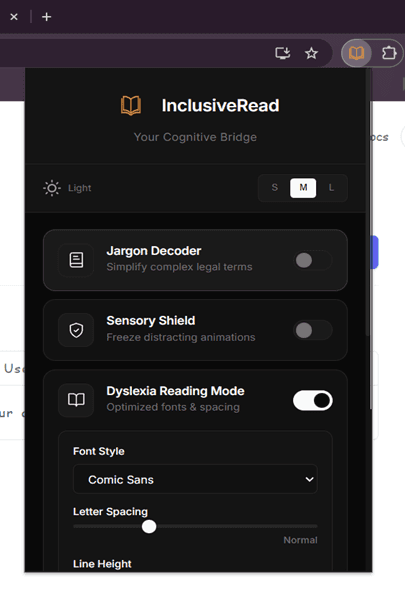
Extension popup showing accessibility controls and settings.
Webpage displaying with OpenDyslexic font activated.
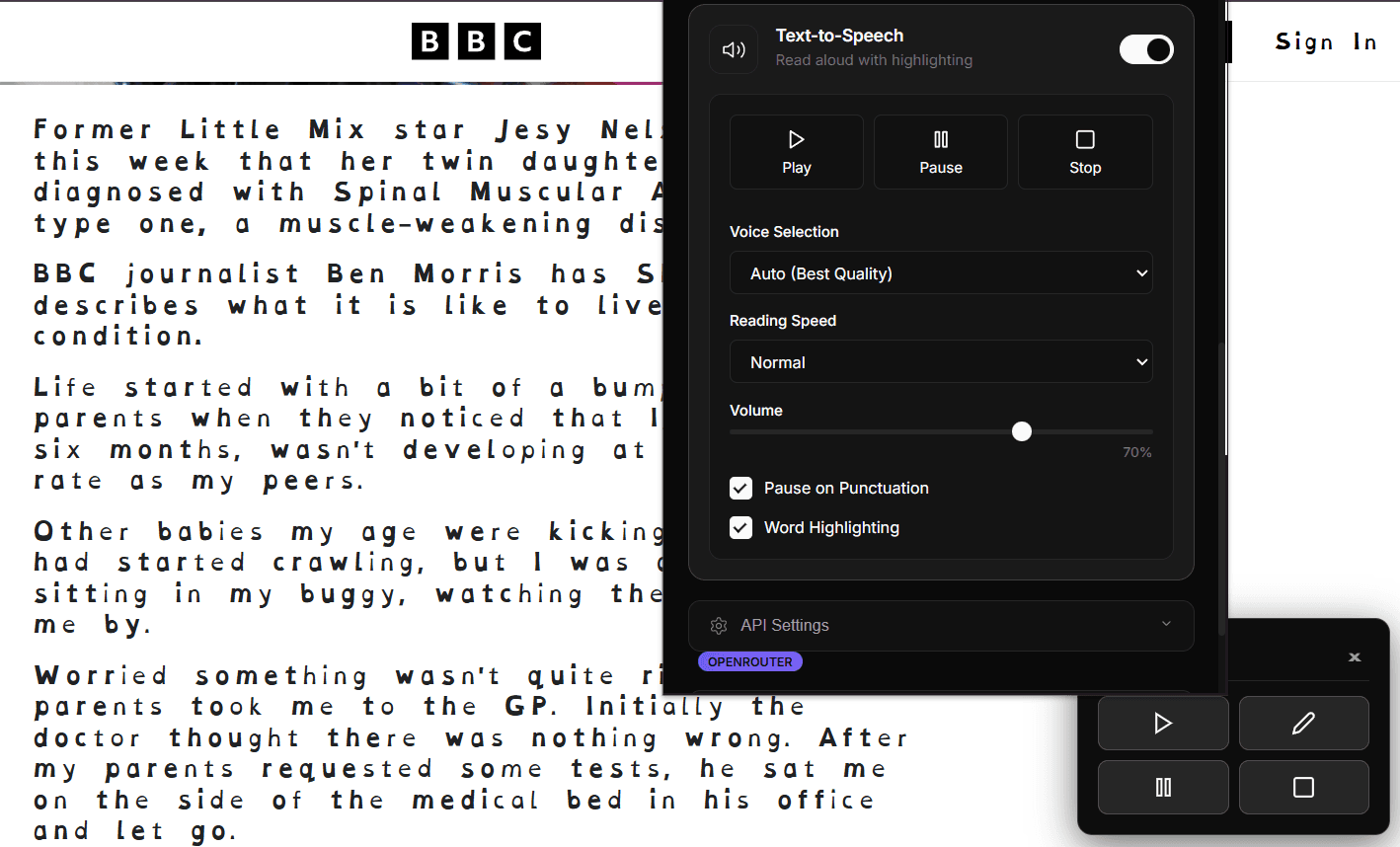
Text-to-speech feature in action with audio controls visible.
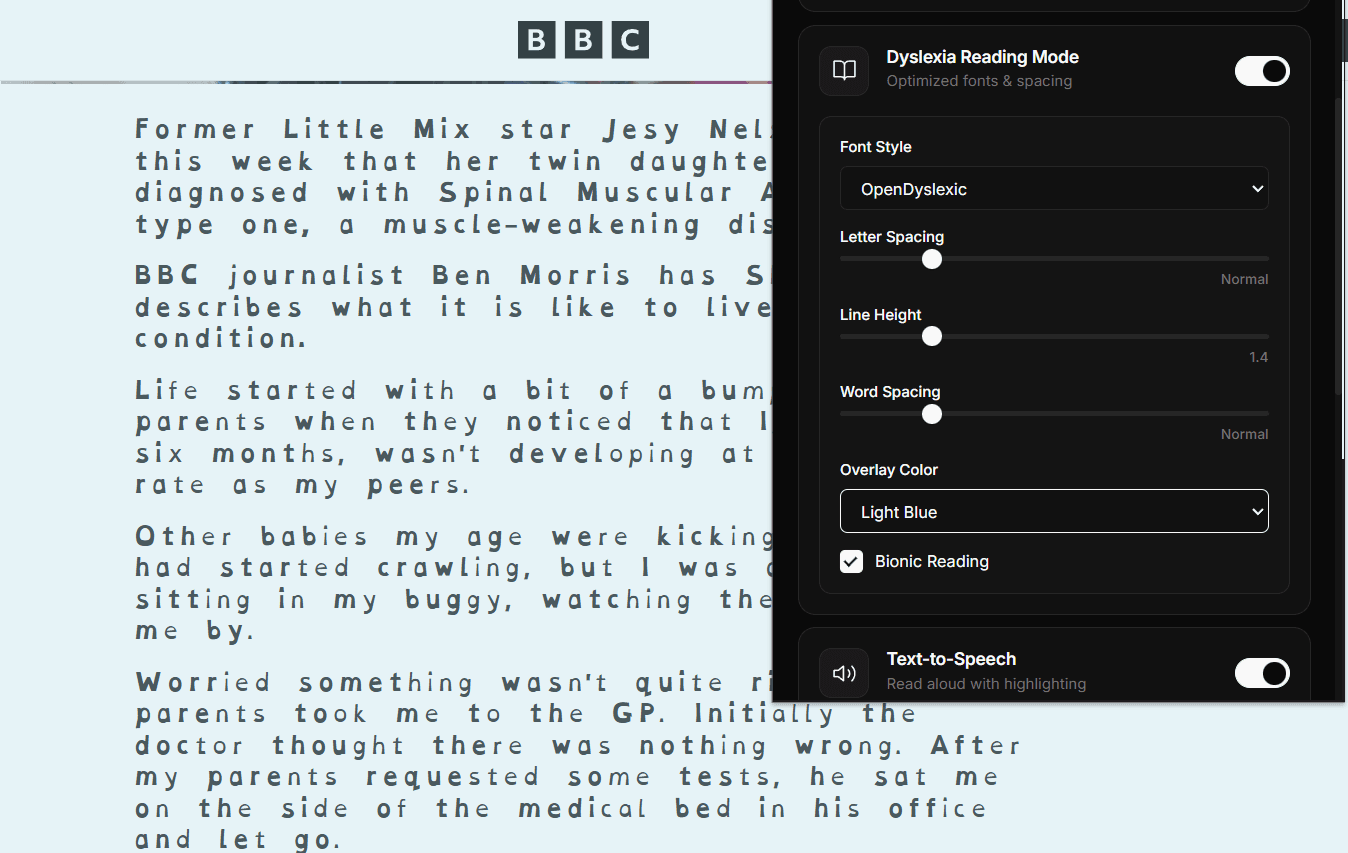
Color adjustment panel showing different theme options.